
How to navigate the home page
The home page has two main tabs, Content and Activity, and a top bar with your recent history, the content picker, Automate, and Sync status.
Home page tabs
Content is where you browse your collections, accounts, posts, and tags. Activity is the timeline of everything your team does in Siftsy, from uploads to automation runs. See How to use the Activity Feed.
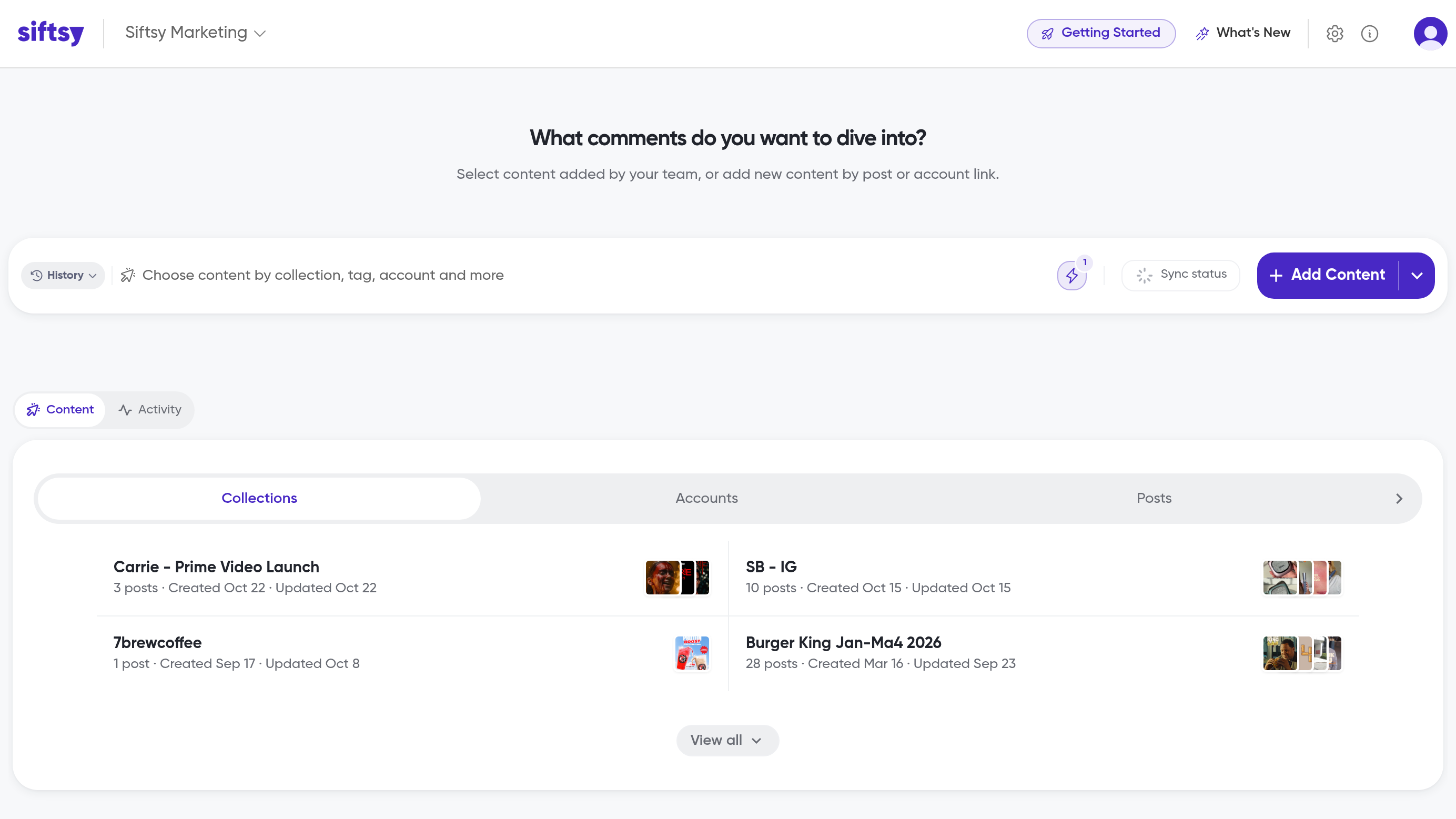
Content sub-tabs
The Content tab has four sub-tabs:
Collections — Browse all your collections with thumbnail previews and post counts. Click View all to see the full list, where you can filter by 23 collection types and sort by Updated, Created, Posted, Name, or Posts.
Accounts — Browse posts organized by social account. A Monitor badge appears on accounts here. Set up monitoring in How to automate post syncs and monitor accounts.
Posts — Browse all posts directly. This is a browse view, not the post table you work in; the post table lives inside each collection's Posts tab. See How to use the posts tab.
Tags — Browse your content tags. This sub-tab is hidden until you click Show Tags. See How to add content tags to posts.
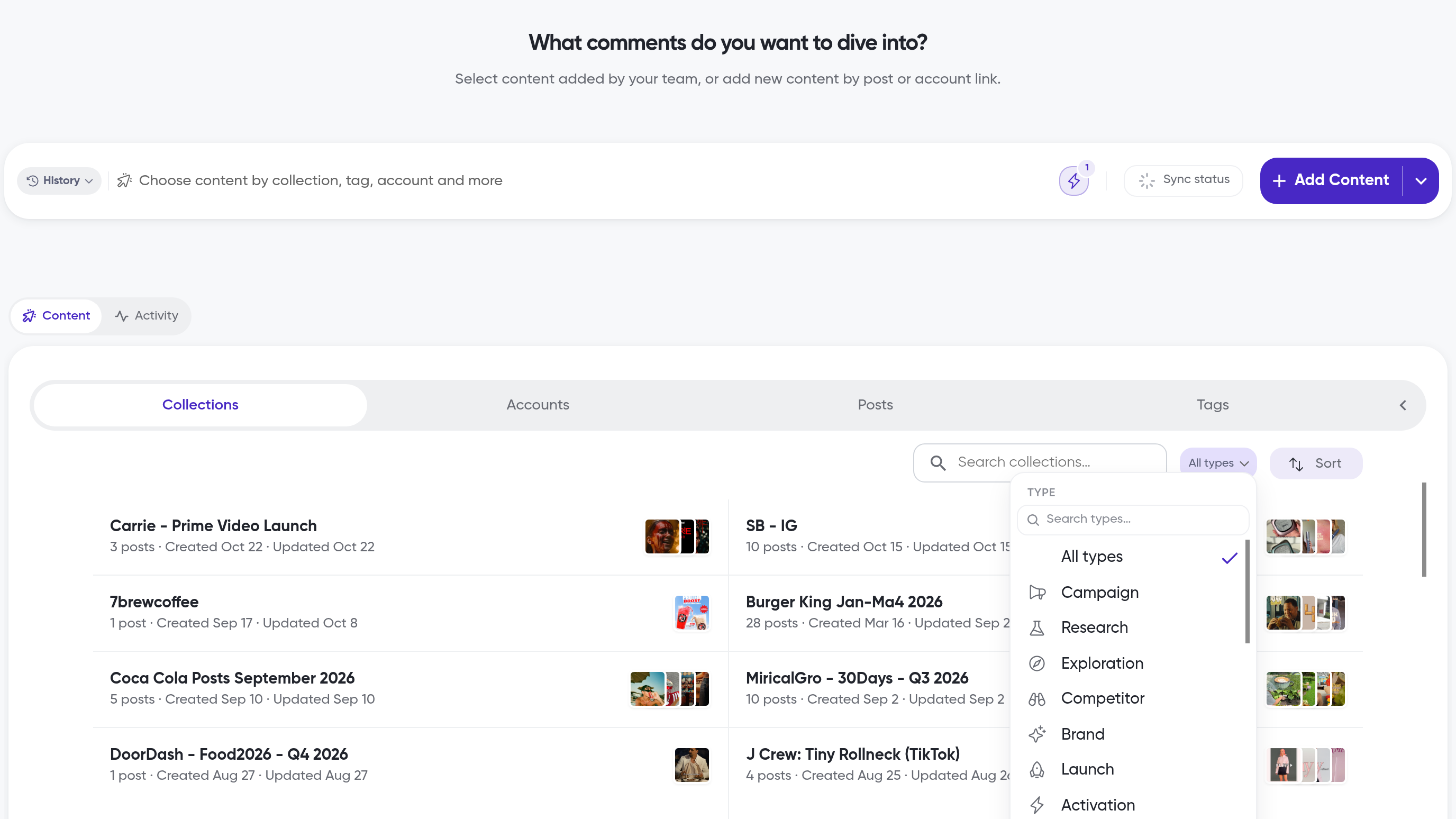
Top bar
Above the tabs, the top bar has the page heading, a History dropdown of your recent selections, the content picker, an Automate button, and a Sync status button.
Click Sync status to open Processing status, where counters show how many posts are in each sync state: first sync, resynced, unavailable, cancelled, and held.
What's next
Start adding posts in How to add posts, or organize them into collections in How to create collections.