
How to add posts
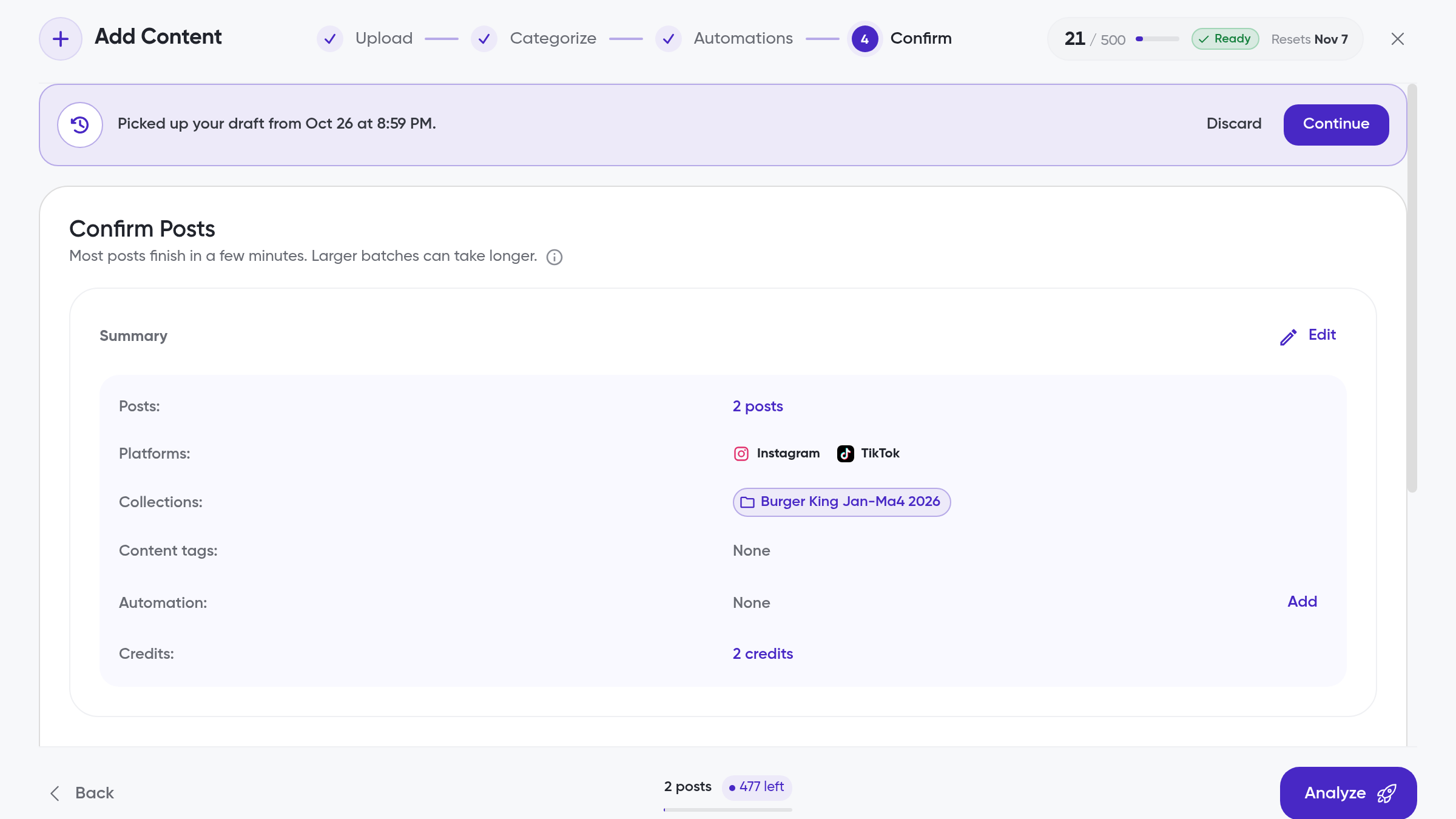
Add public posts to Siftsy by pasting links. Click Add Content on the home page to open a four-step flow: 1 Upload, 2 Categorize, 3 Automations, 4 Confirm.
Only public posts can be added and analyzed, and every post you add counts toward your Monthly Analyzed Posts (MAPs) limit. See How to track MAPs usage for details.
Add posts by link
On the home page, click Add Content
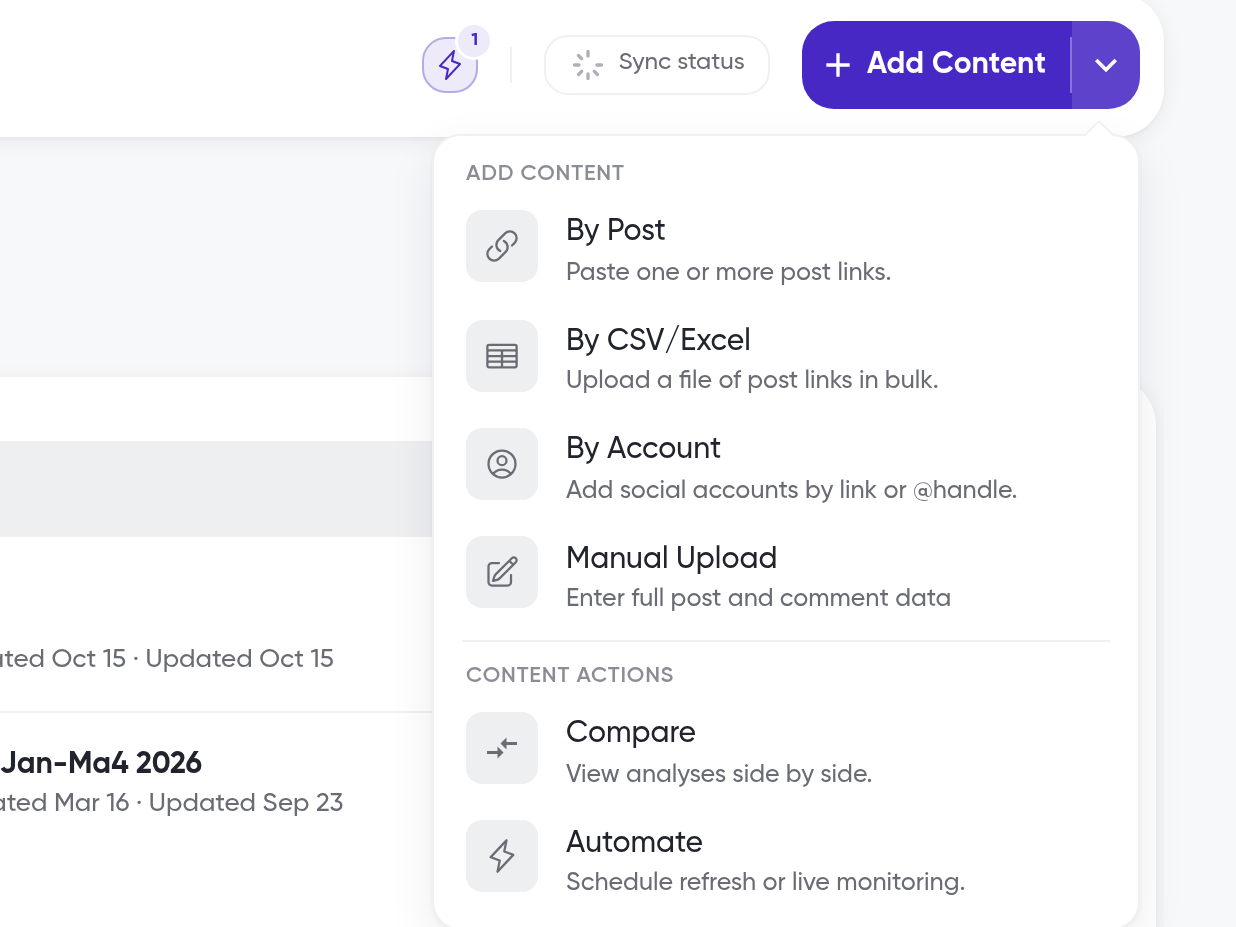
The Add Content menu includes four upload options: By Post, By CSV/Excel, By Account, and Manual Upload. Choose By Post to open the Upload step on the By Link tab, then paste one or more post URLs into the input field. It accepts up to 1,000 links
Separate multiple URLs with line breaks or commas. Concatenated URLs are split automatically
Siftsy supports Instagram, TikTok, YouTube, X, LinkedIn, and Facebook. See Supported Social Platforms
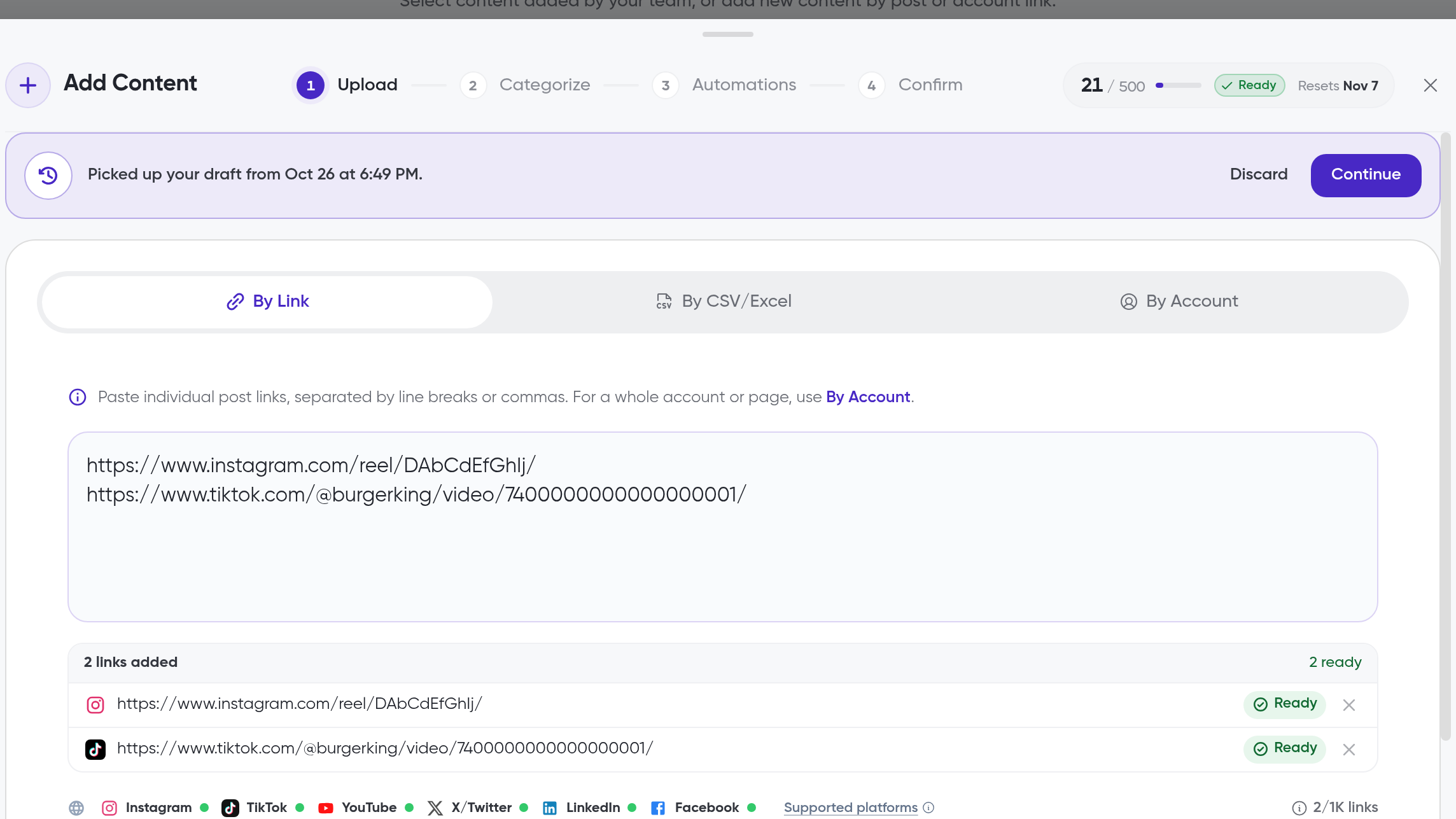
Check your post credit usage on the button before you continue. It shows how many posts you have used out of your plan limit, a status such as
Ready, and the date your usage resets, for example21 / 500 · Ready · Resets Nov 7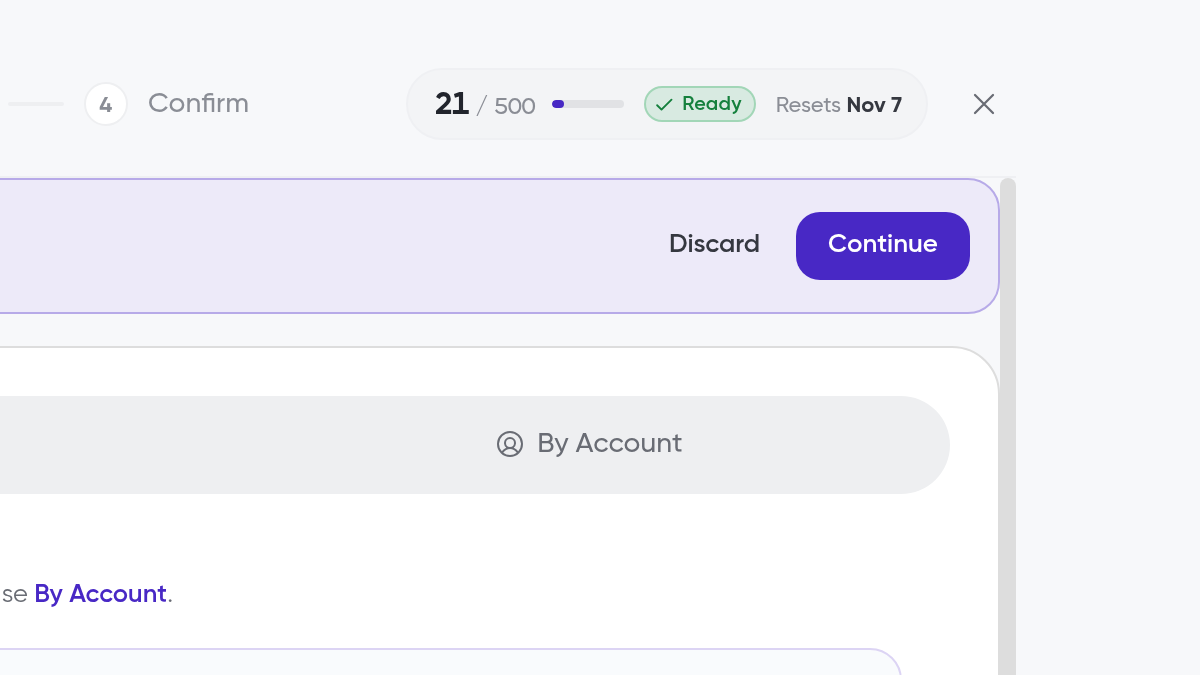
Continue to step 2, Categorize. It has two separate prompts: choose the collection the posts belong in, and select or create content tags
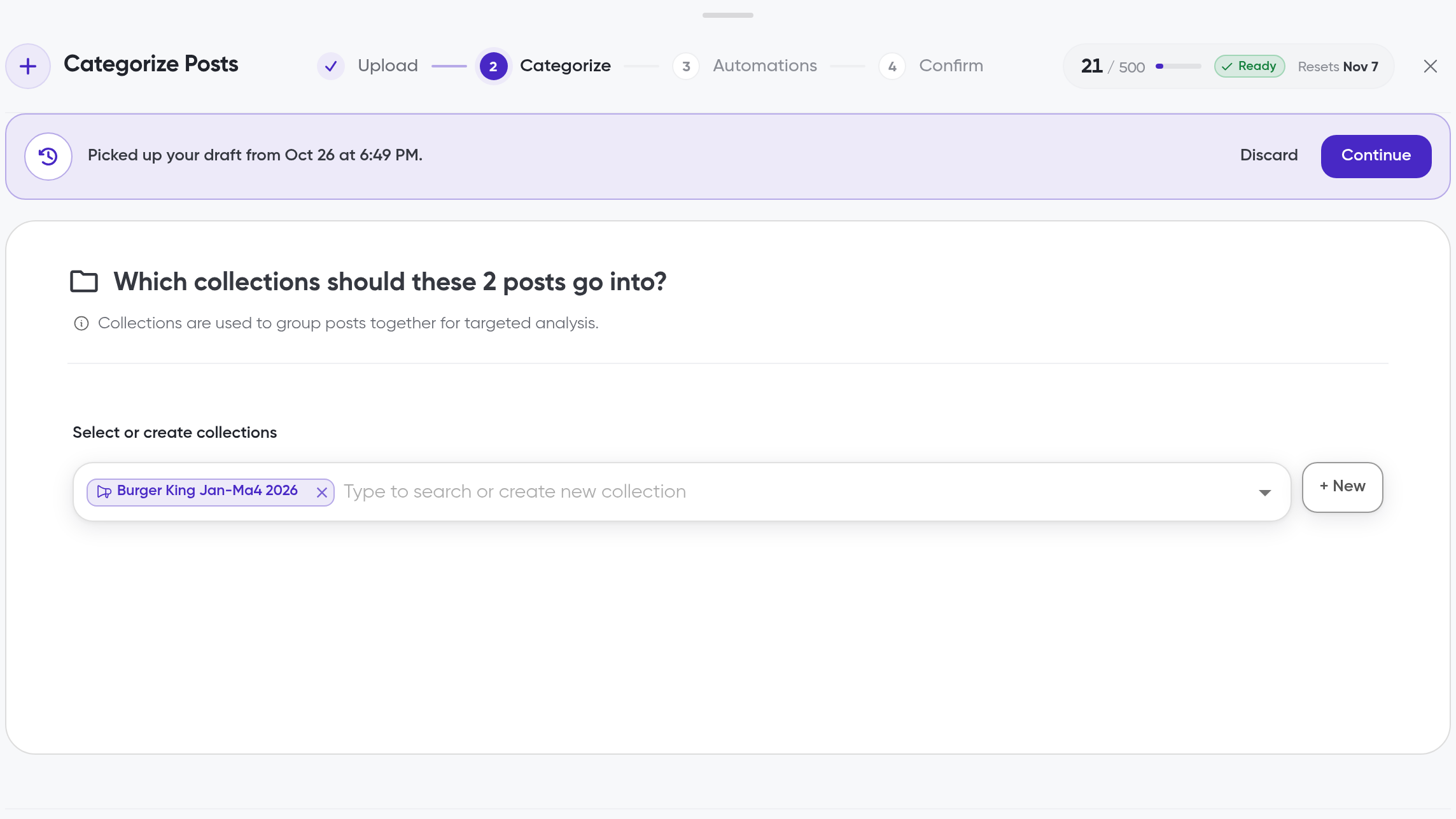
Continue through step 3, Automations, to step 4, Confirm, and confirm your upload
If Siftsy can't fetch a post, or it comes from a platform Siftsy doesn't support, click Upload Posts Manually in the flow to add it by hand with a screenshot or manual details.
What's next
To upload many posts at once from a spreadsheet or accounts, see How to bulk add posts. To see how many posts you have left this month, see How to track MAPs usage. For content Siftsy can't fetch, follow How to manually upload content.