
How to bulk add posts
Bulk add many posts at once by importing a CSV or Excel file of post links, or by pulling posts from social accounts. Both paths run through the Add Content flow.
Only public posts can be added, and each post counts toward your Monthly Analyzed Posts (MAPs) limit.
Click Add Content to start. The upload flow has four steps: 1 Upload, 2 Categorize, 3 Automations, 4 Confirm.
Add posts by CSV/Excel
Upload a spreadsheet of public post links. Siftsy supports Instagram, TikTok, YouTube, X, LinkedIn, and Facebook by link; see Supported Social Platforms for details.
On the home page, click Add Content
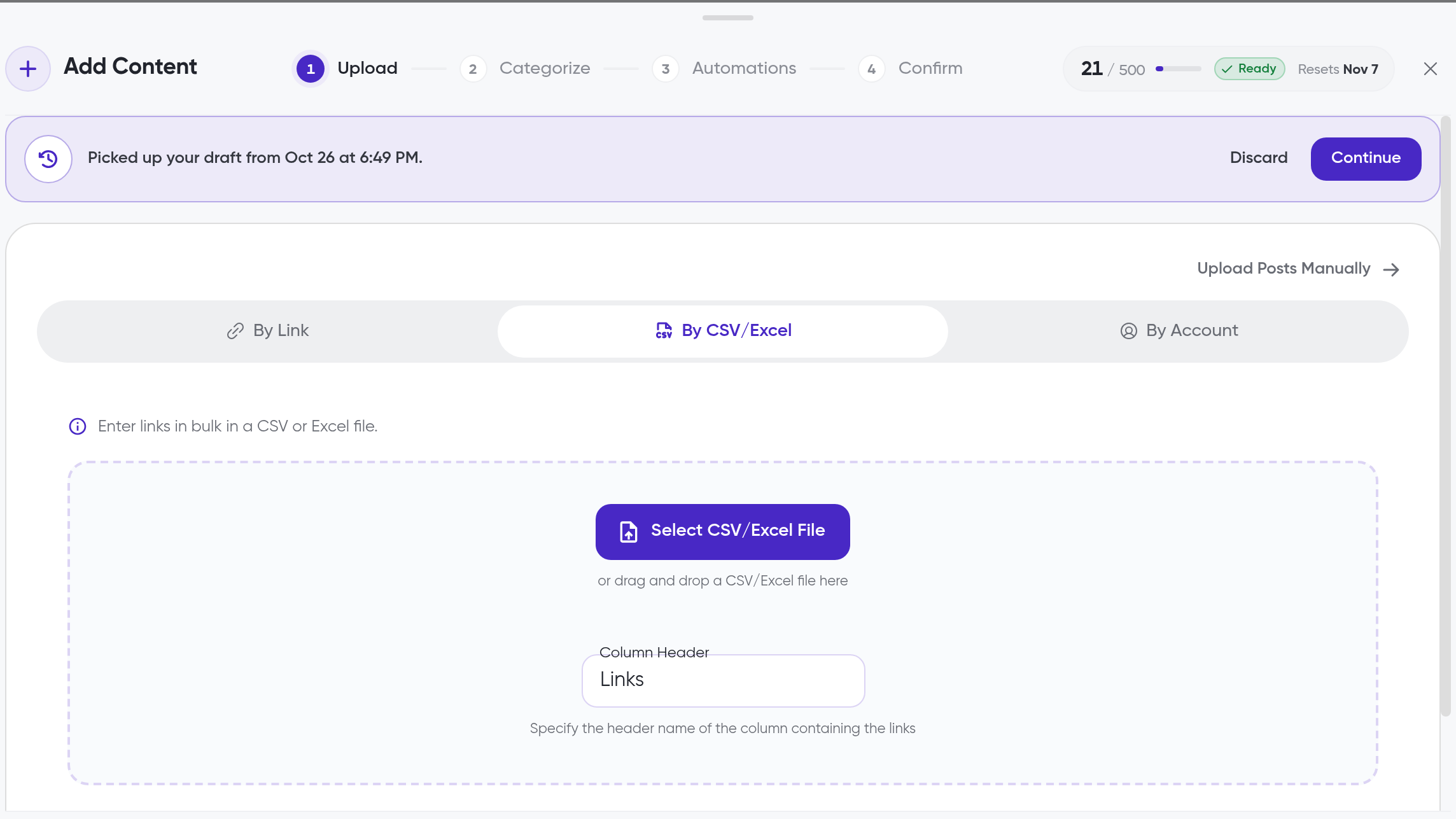
Choose the CSV/Excel upload option
Upload your CSV or Excel file with the public post links you want to analyze
Facebook CSV rows must be public Page post URLs. Account, page, profile, and group links are not supported
The CSV Column Header setting is set to Links by default
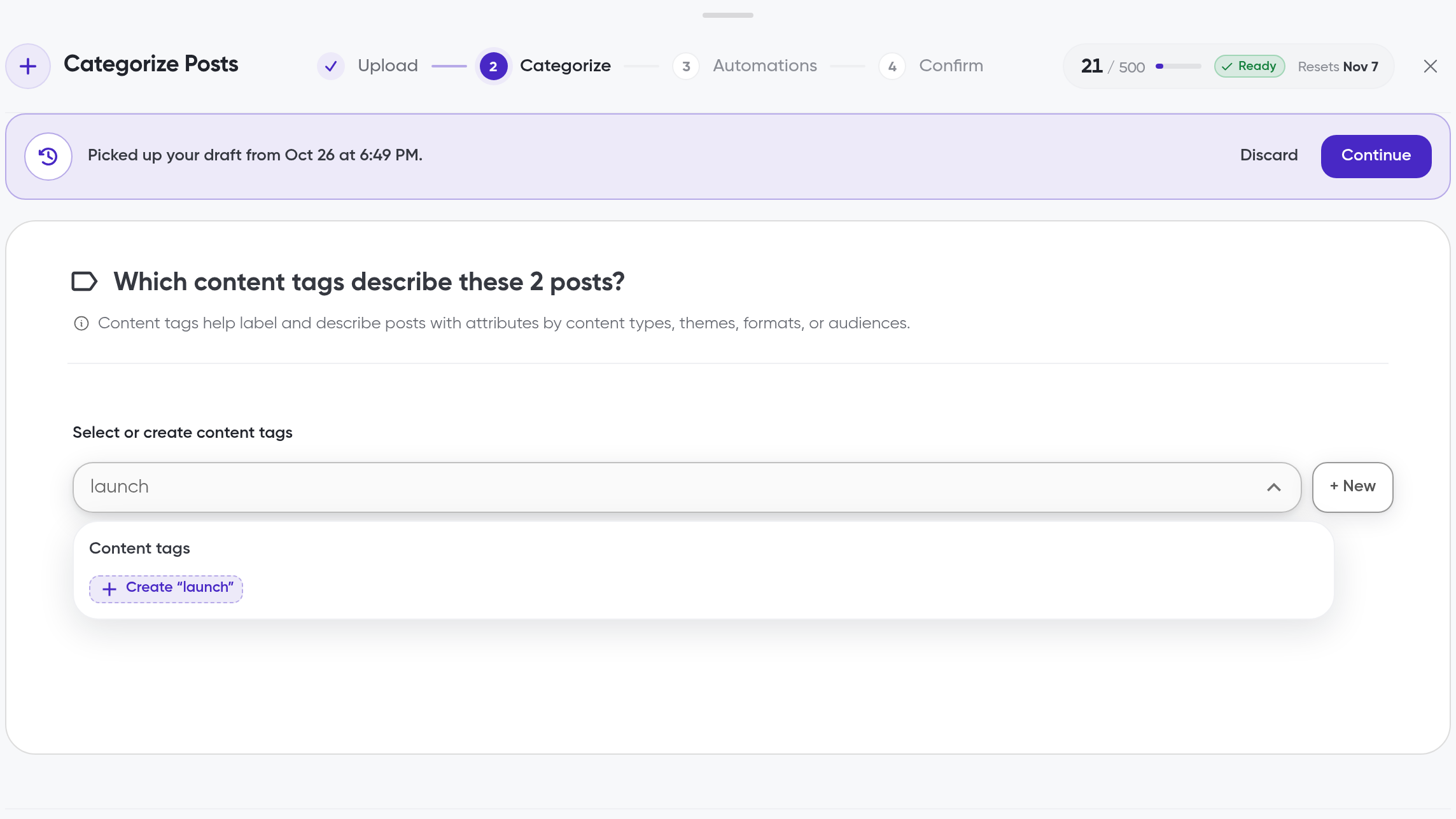
In Categorize, choose the collection the posts belong in and add content tags if you want to group the posts
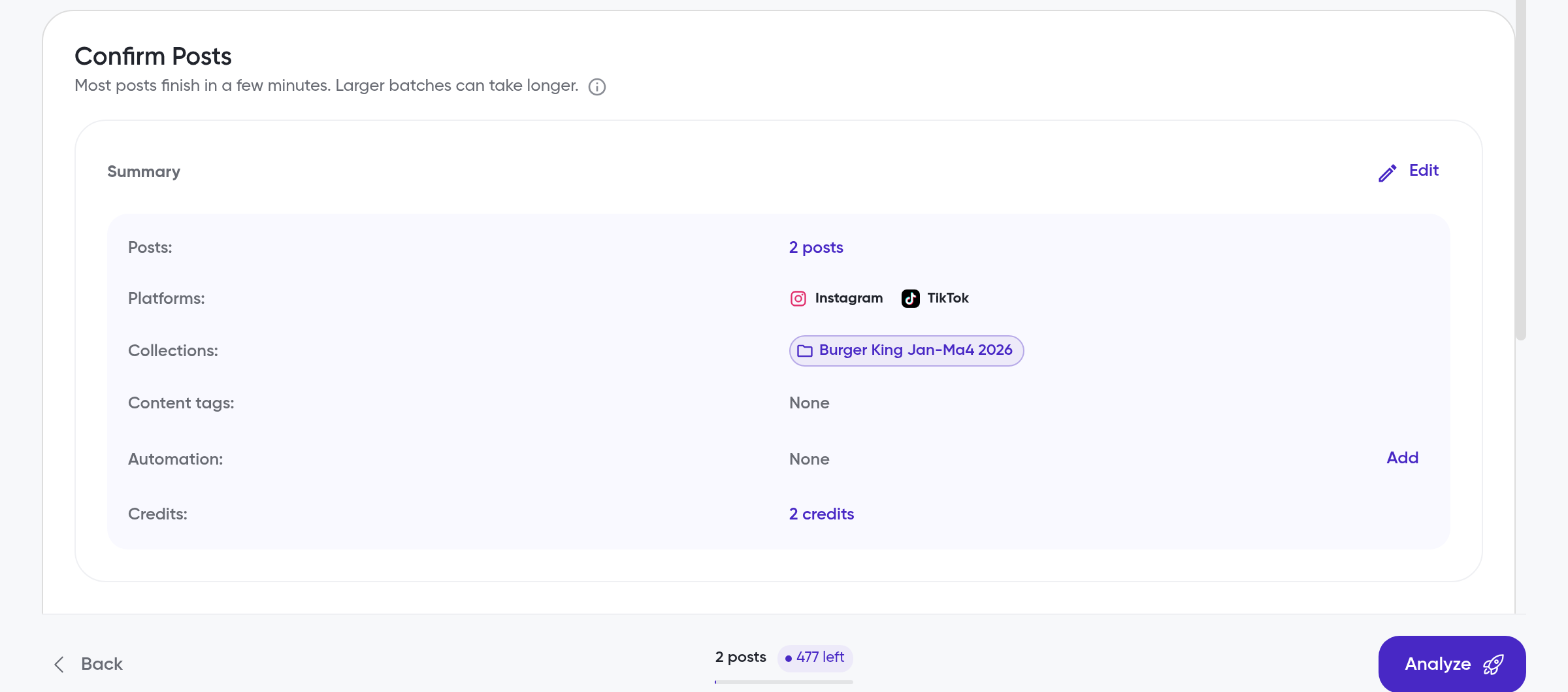
In Confirm, review the posts and confirm to start the analysis
Add posts from accounts
Pull posts from public accounts instead of pasting links one by one. Each upload accepts up to 5 accounts and up to 50 posts. For a detailed walkthrough of adding accounts by link, see How to add posts by account link.
On the home page, click Add Content
Choose the account upload option
Add accounts by link, or select accounts you've added before
Select the posts you want to analyze from the posts Siftsy gathers
Posts that were already analyzed are marked as "Analyzed" and can't be selected again
In Categorize, choose the collection the posts belong in and add content tags if you want to group the posts
In Confirm, review the posts and confirm to start the analysis
After you upload
Processing starts when you confirm. Track progress in the Processing status modal. Processing can take 10 minutes to a few hours, depending on the platform and comment volume; see How posts are processed for what happens during processing.
What's next
To add posts one by one instead, see How to add posts. If Siftsy can't fetch a post, or it's from a platform Siftsy doesn't support, add it in How to manually upload content.