
How to use the analysis breakdown and language filter
The Breakdown in an analysis gives you a quick summary of the conversation share, sentiment, and key takeaways. Generate it on any analysis, and use the language filter to focus on the comments written in a specific language.
Generate a breakdown
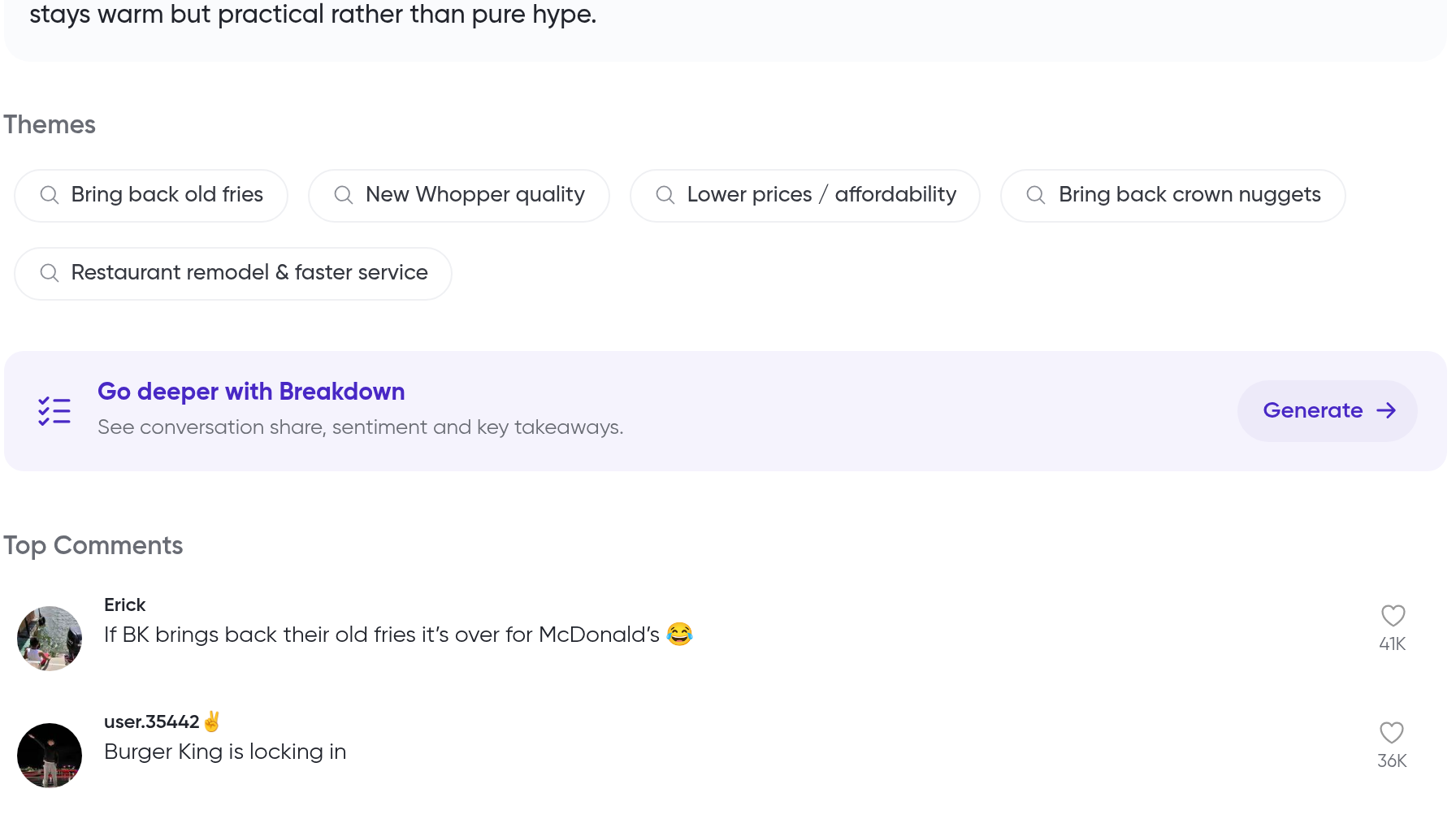
Every analysis includes a Go deeper with Breakdown section. Clicking Generate creates the breakdown for that analysis.
Open the analysis you want to break down
Scroll to the Go deeper with Breakdown section and click Generate
The generated breakdown covers conversation share, sentiment, and key takeaways for the analysis.
Filter comments by language
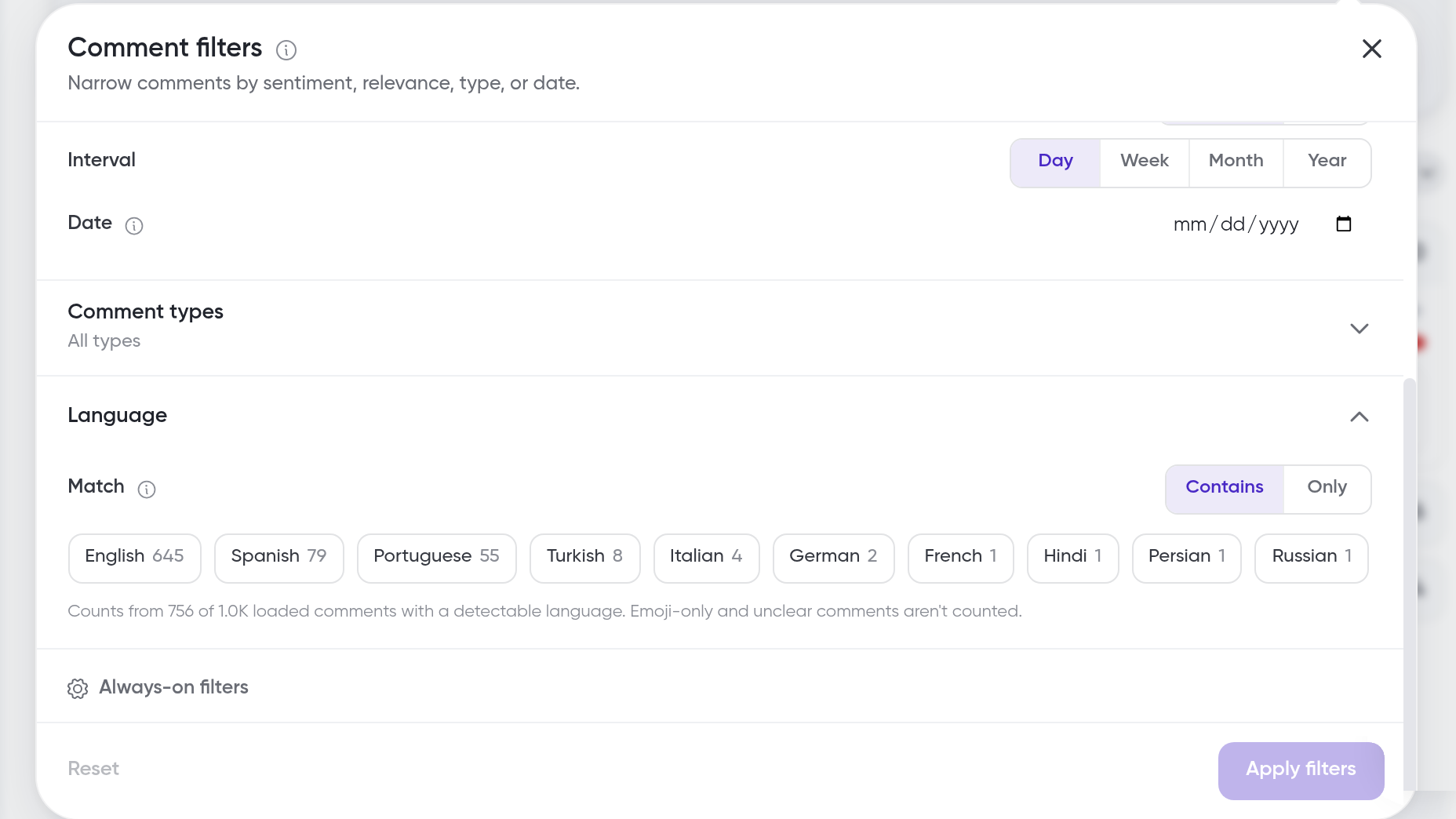
Click Comment filters
Open Language (set to Any language by default)
Choose Match: Contains or Only
Select the language chips you want
Language data is only available for newly analyzed content. Older content shows No language data yet.
The Language filter only appears when the analysis has language data.
What's next
Combine language filtering with the other filters in How to filter comments, learn what the cards mean in How to understand comment insights, and see which languages Siftsy detects in Language Support.