
How to sort comments by timestamp
Sorting by timestamp is in beta. Full timestamp coverage may not be supported for every comment.
Sort comments by newest or oldest first to review conversation order over time.
Sort comments newest or oldest first
Select the individual post or grouping of posts you want to analyze.
Scroll down to the Comments section
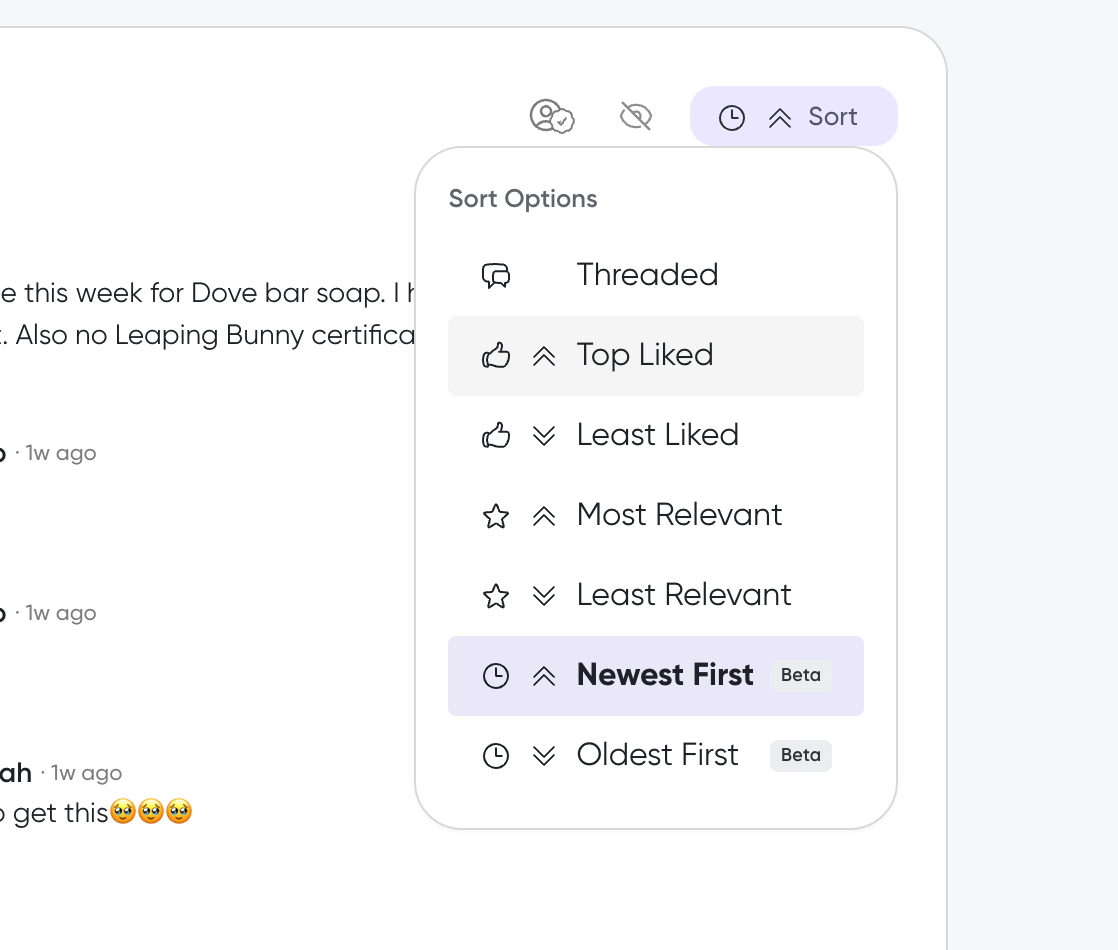
Scroll down to the Comments section, and click Sort to open Sort Options
Select Newest First or Oldest First
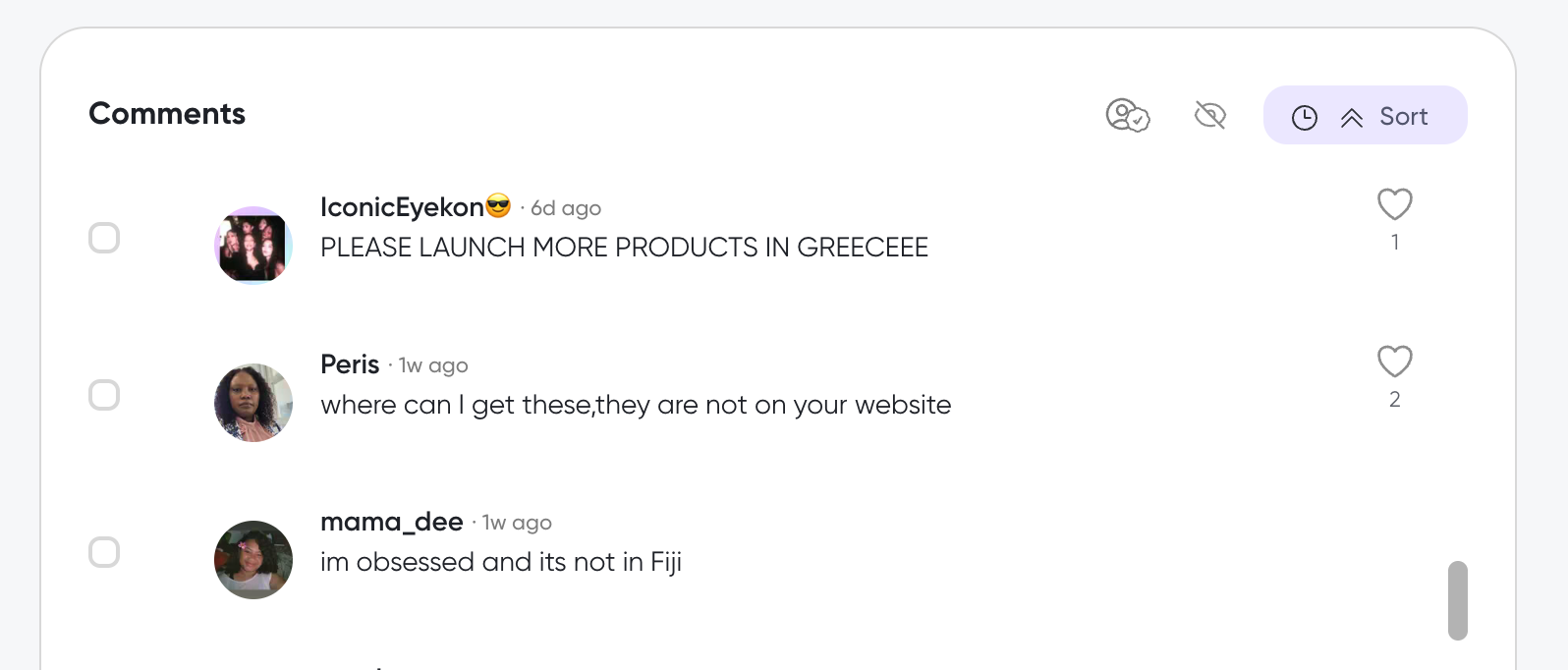
Comments reorder by timestamp. Timestamps appear inline with each comment when you use these sort options.
What's next
Narrow the comment set before you sort in How to filter comments, search the comments view in How to explore and search the comments, or review what the Insights card shows in How to understand comment insights.
Was this helpful?
Was this helpful?