
How to edit collections
Use this guide to edit collection names, add groups for further organization, or archive collections you no longer need. Hovering over a collection in the list shows the Rename, Archive, Copy, and Add Group options.
To edit collections, you need to create them first. See How to create collections.
Edit a collection name
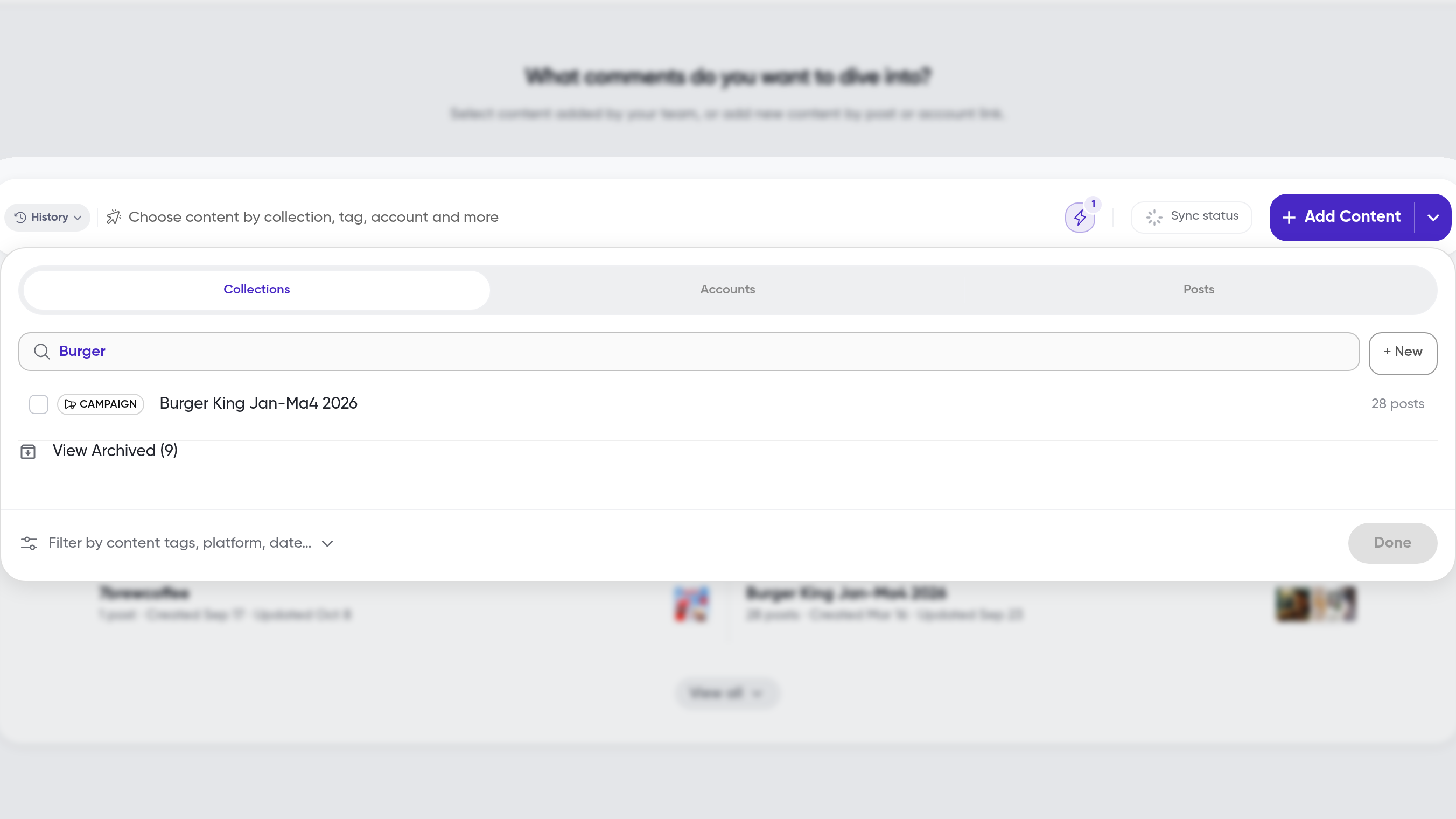
On the home page, click the top bar that says Choose content by collection, tag, account and more
In the selection panel that appears, click on the search field next to Collection
In the dropdown list, find the collection you would like to edit
While hovering on the listed collection, click Rename
In the input field that appears, type your new collection name
Click Save
The new collection name will be displayed under the same list mentioned in step 3.
Add a group to a collection
On the home page, click the top bar that says Choose content by collection, tag, account and more
In the selection panel that appears, click on the search field next to Collection
In the dropdown list, find the collection you would like to add a subgroup to
While hovering on the listed collection, click Add Group
To delete an existing subgroup, hover over it and click Delete
In the input field that appears, type a name for the new subgroup
Confirm the subgroup name by clicking Save
The new group will be listed under the collection you added it to.
Archive a collection
On the home page, click the top bar that says Choose content by collection, tag, account and more
In the selection panel that appears, click on the search field next to Collection
In the dropdown list, find the collection you would like to archive
While hovering on the listed collection, click Archive
In the confirmation card that appears, click Archive Collection Only (Keep Posts)
If you would like to archive a collection and all the posts grouped inside of it, click Archive Collection & Posts
The collection will no longer appear in your collection list. Also, if you choose to archive all posts associated with the collection, they will now appear under your archived posts.
What's next
Learn how to create new collections in How to create collections, or if you want to use a collection for a report, see How to start analyzing comments.